


Sign up nowUsing a softphone
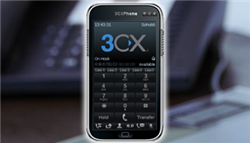
If you don't want to invest in a hardware IP phone then you can use a soft IP phone. Soft IP phones can be installed on a laptop or desktop computer and can then be used with a headset connected to the computer. To get started:
- Download a soft phone. We recommend X Lite
- Install it on your computer
- Add a headset
- Put in your Soho66 user details into the soft phone
Then you're good to go; ready to make and receive calls.
- No cost to have calls delivered to you
- Get access to all our features (call waiting, transfer, conference, music on hold, voicemail notifications etc.)
- Take advantage of our superb outbound call rates with UK landline calls at 1p per minute
- Get access to great phone features such as multiple line appearance
- No investment in hardware



